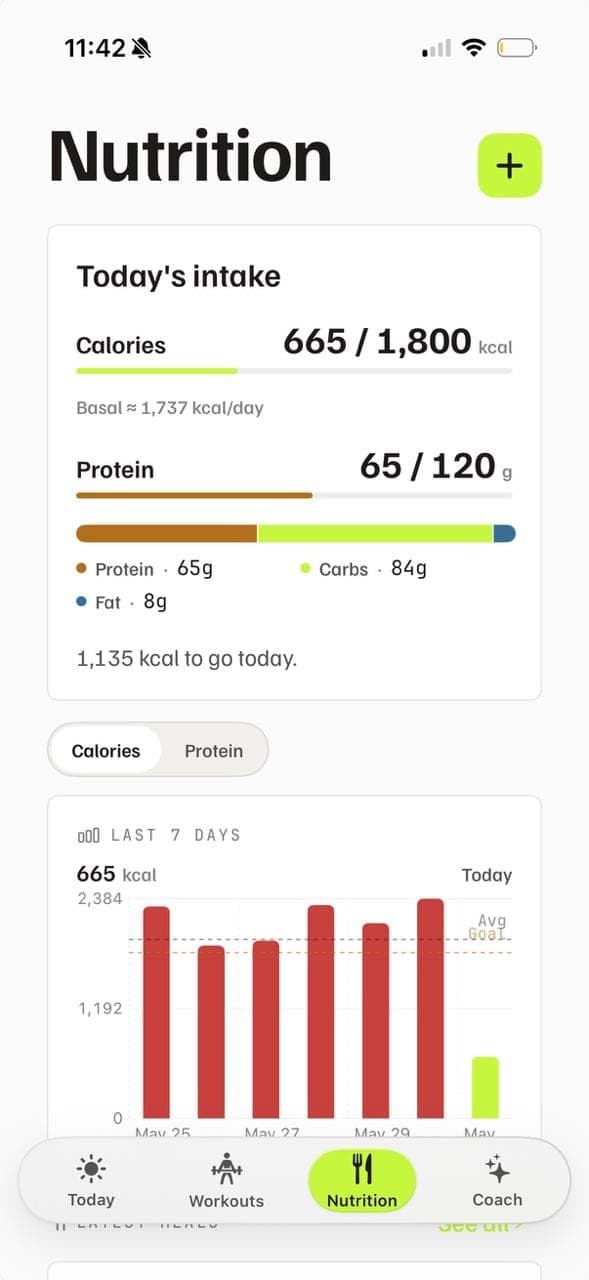
02 — Nutrition
Macro tracking, made simple.
Snap a photo, or just describe a meal. Calories and macros, tracked.
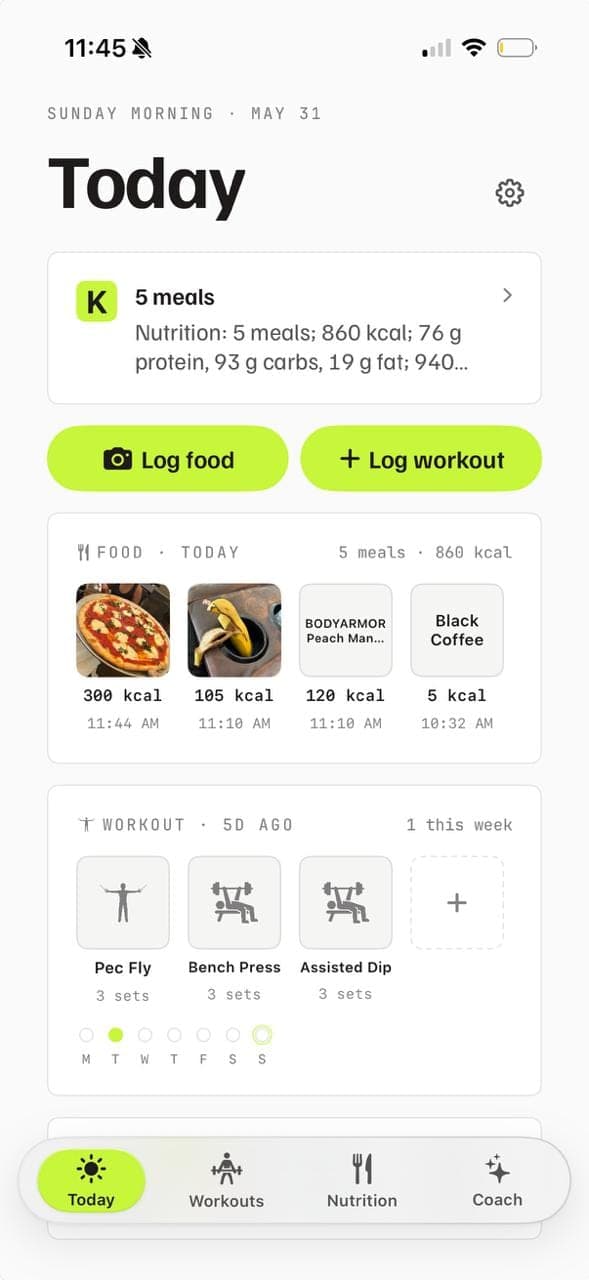
Training, food, and recovery on one honest screen.
Training·Nutrition·Vitals·Coachwoven into one morning read.
Snap a photo, or just describe a meal. Calories and macros, tracked.
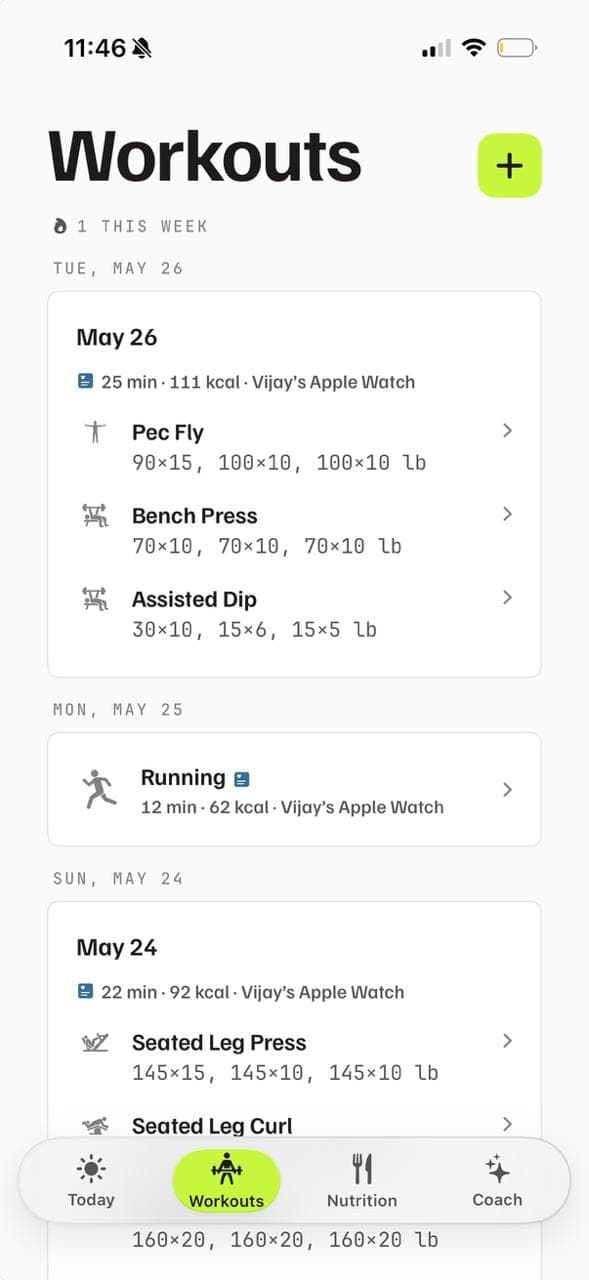
Structured sets with real plate math, or paste from your notes.
A weekly review connecting food, training, and recovery.
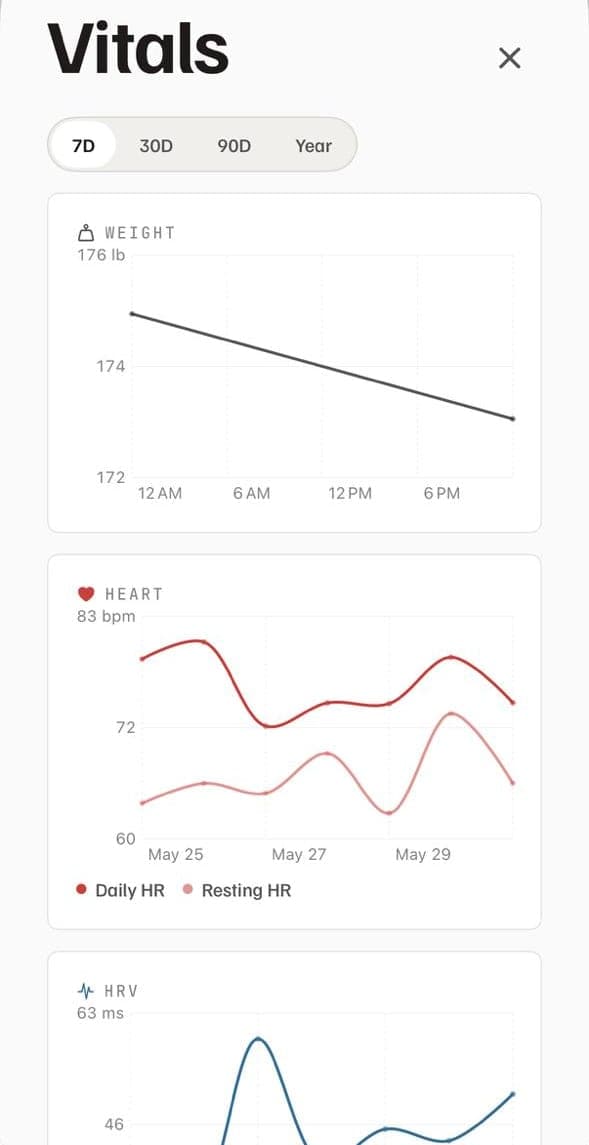
One clear recommendation, grounded in your week.
Off by default. Apple Intelligence on-device when on.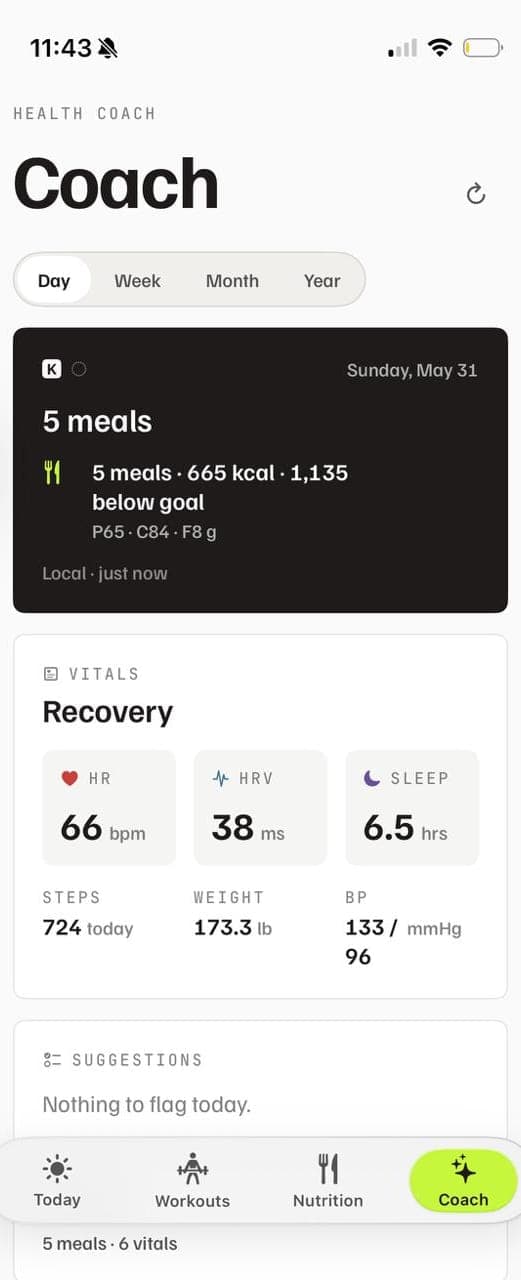
Plain answers to the things a thoughtful buyer asks first. For deeper detail, the in-app guide is the source of truth.
On your iPhone. Workouts, meals, weight, and settings are stored in your device's Application Support folder. There is no KilterFit account and no KilterFit server holding your training history. Apple Health is the only place data leaves the app, and only the categories you authorize. See Privacy.
Off by default. When you enable it, KilterFit prefers Apple Intelligence on-device. If your device or context can't run that, it falls back to a small server call that sends a short numeric snapshot of your day, no raw notes or food photos, and returns a one-paragraph note plus one or two micro-actions.
iPhone only at launch, iOS 17+. The app is built around HealthKit and Apple Intelligence, both of which only exist on Apple devices. No Android or web client is planned.
Photos go to KilterFit's vision API for an estimate, then are discarded. Results carry confidence and a short note when the picture is doing too much work (poor lighting, missing container, ambiguous portion). You can edit any field before logging. Estimates, not measurements.
Free to install with the core logbook. Pro features unlock via App Store in-app purchase. Final pricing lands with the launch announcement.
KilterFit is available now on the App Store, iPhone only. iOS 17 or later.
“Kilter” is old English for good order. Fitness as equilibrium: workouts, food, sleep, all on one page.
Charcoal type on a paper background. A single chartreuse accent, used sparingly. No neon, no chrome, no gradients chasing dopamine.
No streaks to defend, no “crush it”, no scales. Notice change. Suggest one small thing. Move on.